- EnglishEN
- PolskiPL
- DeutschDE
- RomânăRO
- FrançaisFR
- MagyarHU
- БългарскиBG
- ČeštinaCS
- ItalianoIT
- HrvatskiHR
- SlovenčinaSK
- NederlandsNL
- LatviešuLV
- ΕλληνικάEL
- SlovenščinaSL
- српскиSR
- LietuviųLT
- EspañolES
- EestiET
- English (United Kingdom)EN-GB
- English (United States)EN-US
- PortuguêsPT-PT
- SuomiFI
- BosnianBS
- TürkçeTR
- Norsk bokmålNO
- SvenskaSV
- РусскийRU
- AlbanianSQ
- DanskDA
- УкраїнськаUK
- العربيةAR
- македонскиMK
- AzərbaycanAZ
- ՀայերենHY
- UzbekUZ
- English (Australia)EN-AU
- English (Canada)EN-CA
- Spanish (Mexico)ES-MX
- What is a VIN?
- A VIN (Vehicle Identification Number) is a unique 17 character code assigned to every vehicle. Every record about the vehicle is filed under this number.
- Where to find the VIN?
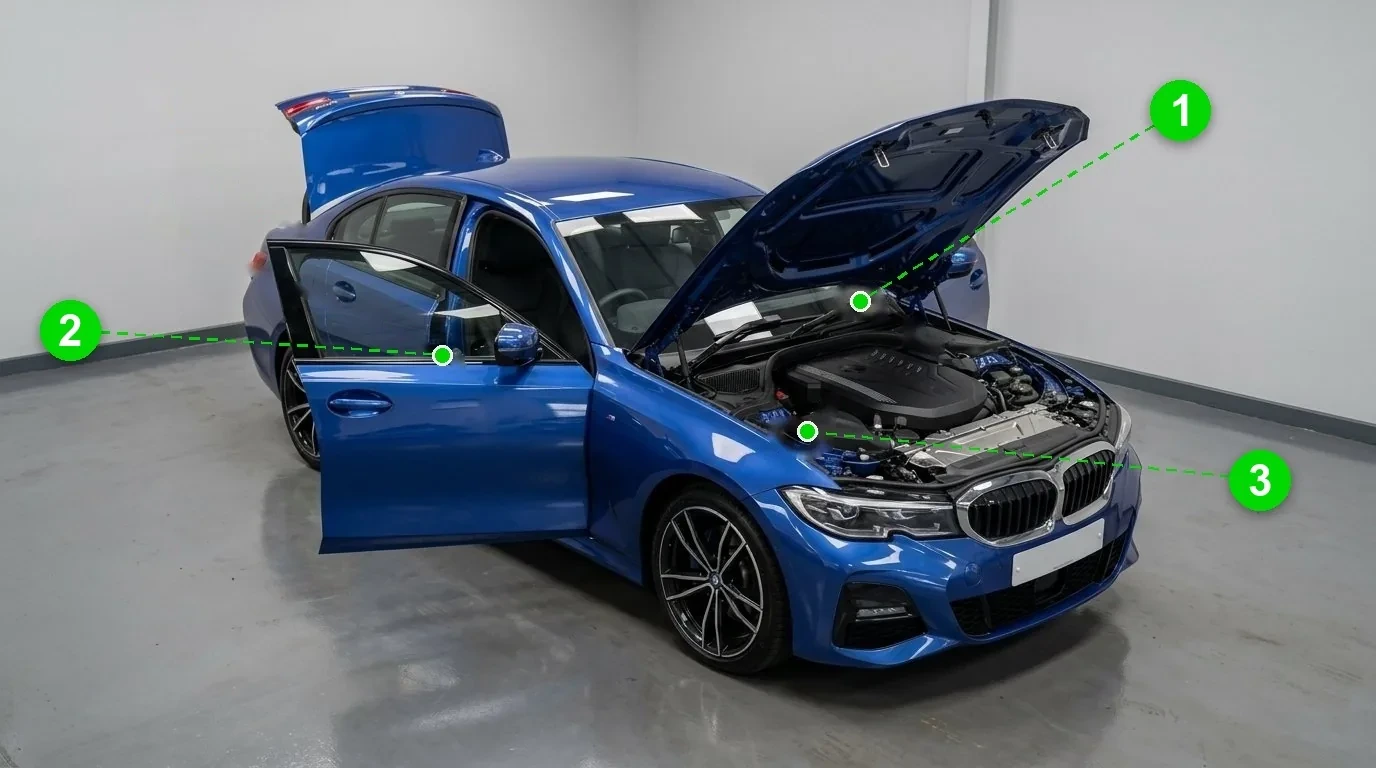
- The VIN is stamped on the vehicle body and printed on the registration certificate and other vehicle documents. Common spots are the base of the windscreen on the driver side, the driver door jamb and under the bonnet. When a car is advertised online, ask the seller for the VIN.
- Where do vehicle records come from?
- MrVIN collects vehicle records from more than 30 countries. Records come from official registries, technical inspection authorities, insurance and leasing data, dealer and service networks, auction platforms and advertising portals.
- Does MrVIN also check vehicles abroad?
- Yes. Every lookup checks databases from more than 30 countries across Europe and North America. After entering the VIN you will see which records are available for that vehicle before you pay.
- What information can I find out about the vehicle?
- The scope of information differs from vehicle to vehicle depending on its age and history. After entering the VIN you get a free overview of which checks are available for that vehicle.
- What does the Vehicle History Report look like?
- The report gathers every record found about the vehicle: odometer readings, damage records, technical inspections, service history, photos, theft checks and more. Open the Sample report to see a full example.
- How much does a Vehicle History Report cost?
- A single report costs £17.90 excluding VAT. You can add a second or third report at checkout at a discounted price.
- How can I pay?
- You can pay by card, Apple Pay, Google Pay, PayPal and popular local payment methods. Payments are processed securely by Stripe and PayPal.
- How long will it take me to receive the Report?
- Most reports are generated in under 60 seconds. In rare cases involving extensive cross border checks, it may take up to a few minutes.
- Can I enter my company details when making the payment?
- Yes. Enter your company details at checkout and they will appear on your order confirmation. If you need a full VAT invoice, email [email protected] with your order number and we will send one.
- How to access the Vehicle History Report?
- Your report opens automatically after payment and a link is emailed to the address you provided. With a MrVIN account you can also open all your reports from My Account.
- The payment was not successful, now what?
- If the payment did not go through, simply try again. If you were charged but have not received your report, contact us at [email protected] and we will sort it out.
- No damage records were found, what does this mean?
- It means none of the databases we query returned a damage record for this vehicle. That is a good sign, but no service can guarantee a complete history: not every incident is reported to any database.
- How long will the Report be available?
- Your report stays available for 30 days after it is generated. You can open it any time from the link in your email, and reports also stay available in your MrVIN account.
- I have not received a confirmation email, what can I do?
- Check your spam folder first. If it is not there, write to [email protected], include the VIN you checked, and we will resend your report link.
- I entered the wrong email, now what?
- No problem. Email us at [email protected] with the correct address and the VIN you checked, and we will send the report link to the right address.
- How to make a complaint about a Vehicle History Report?
- If you believe your report contains incorrect information, contact us at [email protected] and describe the issue. We review every case, and our Refund Policy applies.
- Can an invoice be issued?
- Yes. Email [email protected] with your order number and your billing details and we will issue an invoice.